Pet Camera App — Turn an Old Phone Into a Cat or Dog Cam
Updated
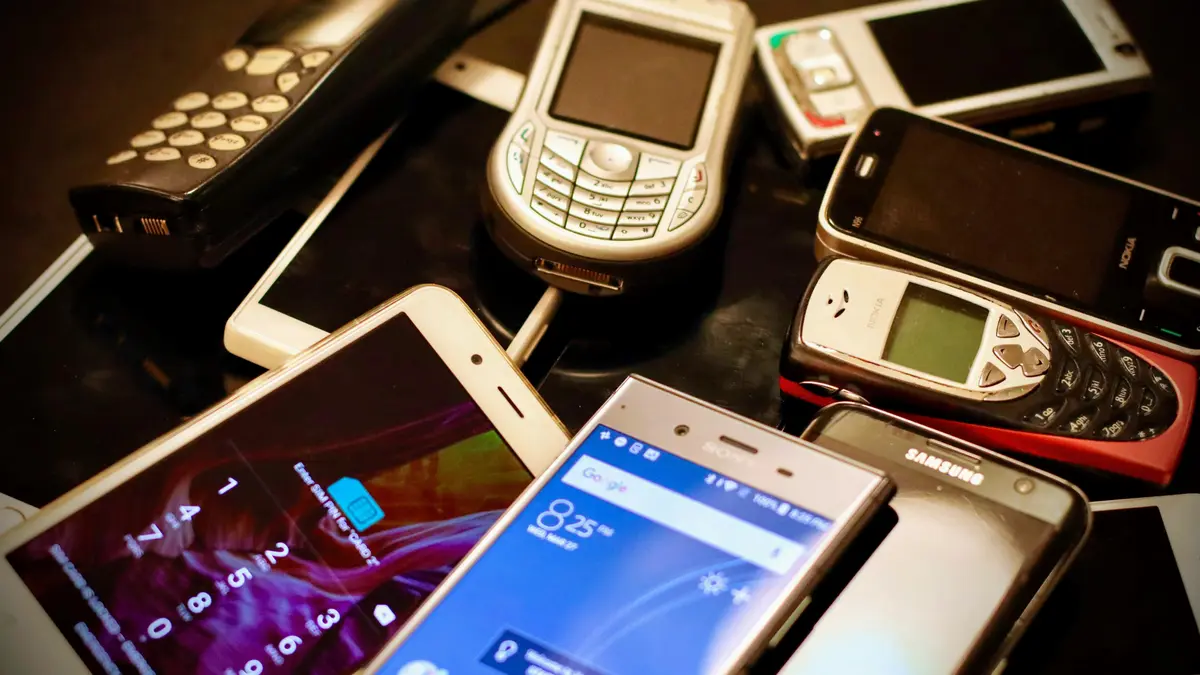
If you want a pet camera app, the old phone in your drawer already does the job. It has a camera, a microphone and Wi-Fi built in. Leave it at home, plug it in, and watch from your own phone. No new camera to buy.
How to set up a pet cam with a spare phone
- Connect the old phone to your home Wi-Fi and update its software.
- Install the same app on both phones and sign in to the same account.
- Set the old phone as the "camera" and your own phone as the "viewer."
- Plug it into a charger and put it where it can see your pet's favorite spots.
The full walkthrough is in Phone to Phone Baby Monitor App: Turn an Old Phone Into a Baby Camera.
Where to put it
- High enough to see the couch, cat tree, window perch or food bowl
- Somewhere a cat or dog can't knock over, such as the back of a shelf or a spot where you can secure it
- Away from direct window glare, which turns fur dark on screen
- Pointed toward the door too, if you also want to see who comes and goes
Cables and heat: what matters most with pets
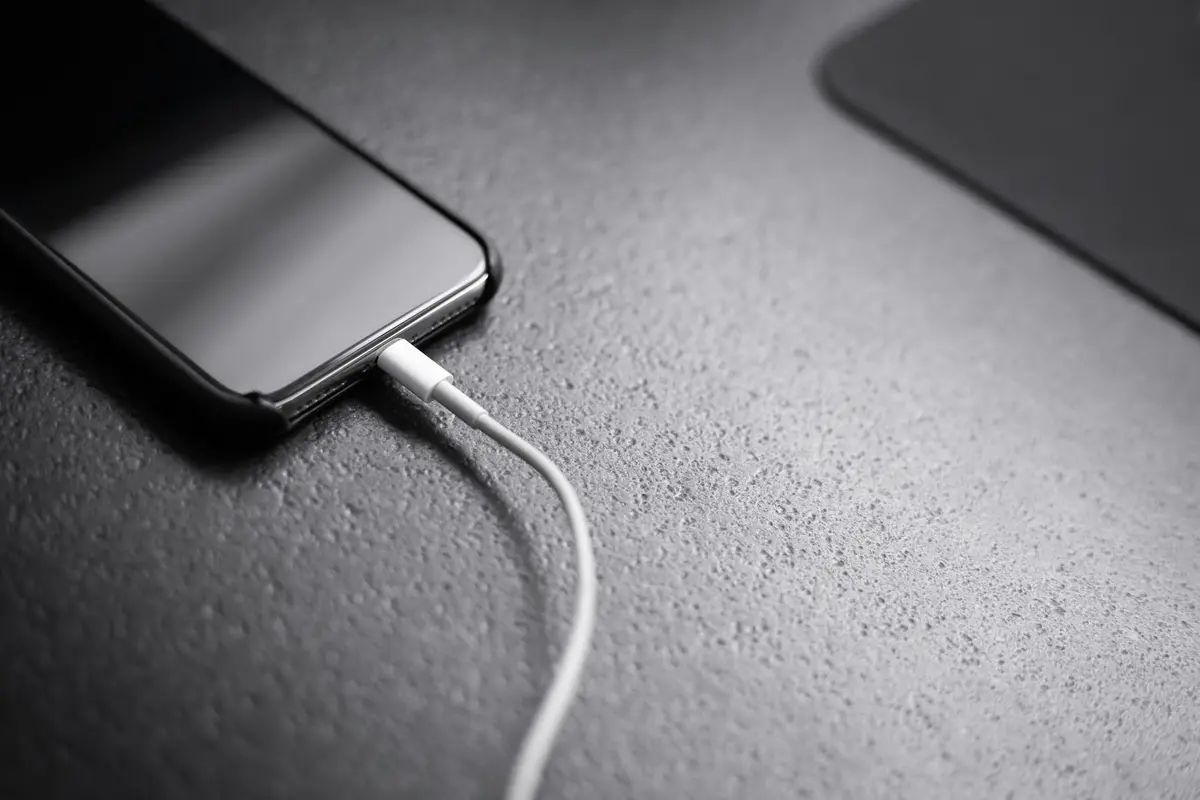
Pets chew and tug on cords, so keep the charging cable tidy and out of reach. Run it along the wall and don't leave any slack at pet height.
A phone isn't built to run around the clock, so watch the heat too:
- Take the case off and leave airflow around the phone
- Don't put it on a blanket, a cushion or a sunny windowsill
- Stop using any phone whose battery has swollen or lifted the back
Motion and sound alerts
If every trip across the room sends you a notification, you'll stop paying attention. That's why Momseye keeps motion and sound as history and a badge count by default. If you want to know right away while you're out, tap the motion or sound button at the top left of the live view to turn on phone alerts. Even then you'll get at most one every 10 minutes per camera. Spend the first few days adjusting sensitivity until it fits your home.
Where does the video go?
It's worth asking where footage of your living room goes when you're away. With Momseye the two phones connect directly, video isn't stored on the company's servers, and transmission is encrypted.
The free plan gives you FHD 1080p live video, motion and sound alerts and one camera, and you can start right away without a credit card. The free plan has ads. PRO adds 4K, up to five cameras and automatic blackbox recording, which is saved on the old phone you use as the camera. It's a monthly or yearly subscription, cancel any time, with pricing shown in the App Store and Google Play.
The same setup works for a nursery. See Where to Place a Baby Monitor: Safe Setup and Cord Distance for that.